

When a delivery fails, QStash schedules the next attempt according to the message's retry delay. If you've already fixed the issue on your endpoint, you don't need to wait for the next attempt. You can trigger it right away.
Retrying now does not add an extra attempt. It moves the already scheduled retry forward, so the retry count and the remaining retries stay the same. If the delivery fails again, QStash schedules the next retry as usual.
Only messages waiting for a retry (in RETRY state) can be retried now. Messages published
to a queue are not supported.
Retrying via console#
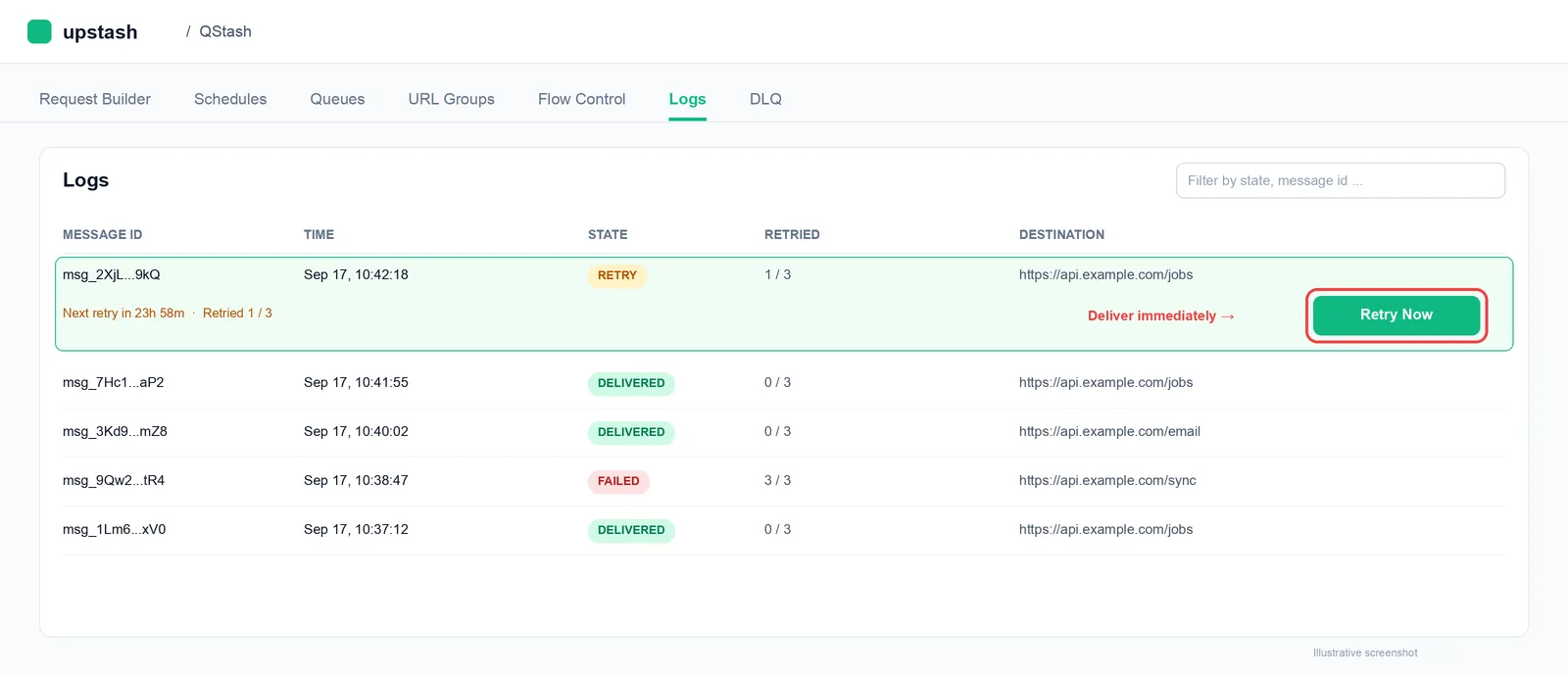
Head over to the Upstash Console and go to the Logs tab.
Find the message in RETRY state and press the Retry Now button:
Retrying programmatically#
You can retry a message now using the REST API.
The request returns 200 when the message is scheduled for immediate delivery, and 404
when the message is not found or is not waiting for a retry.
Message ID#
If you don't know the message ID, you can list the messages waiting for a retry
using the logs API with the RETRY state filter.